How to Connect?
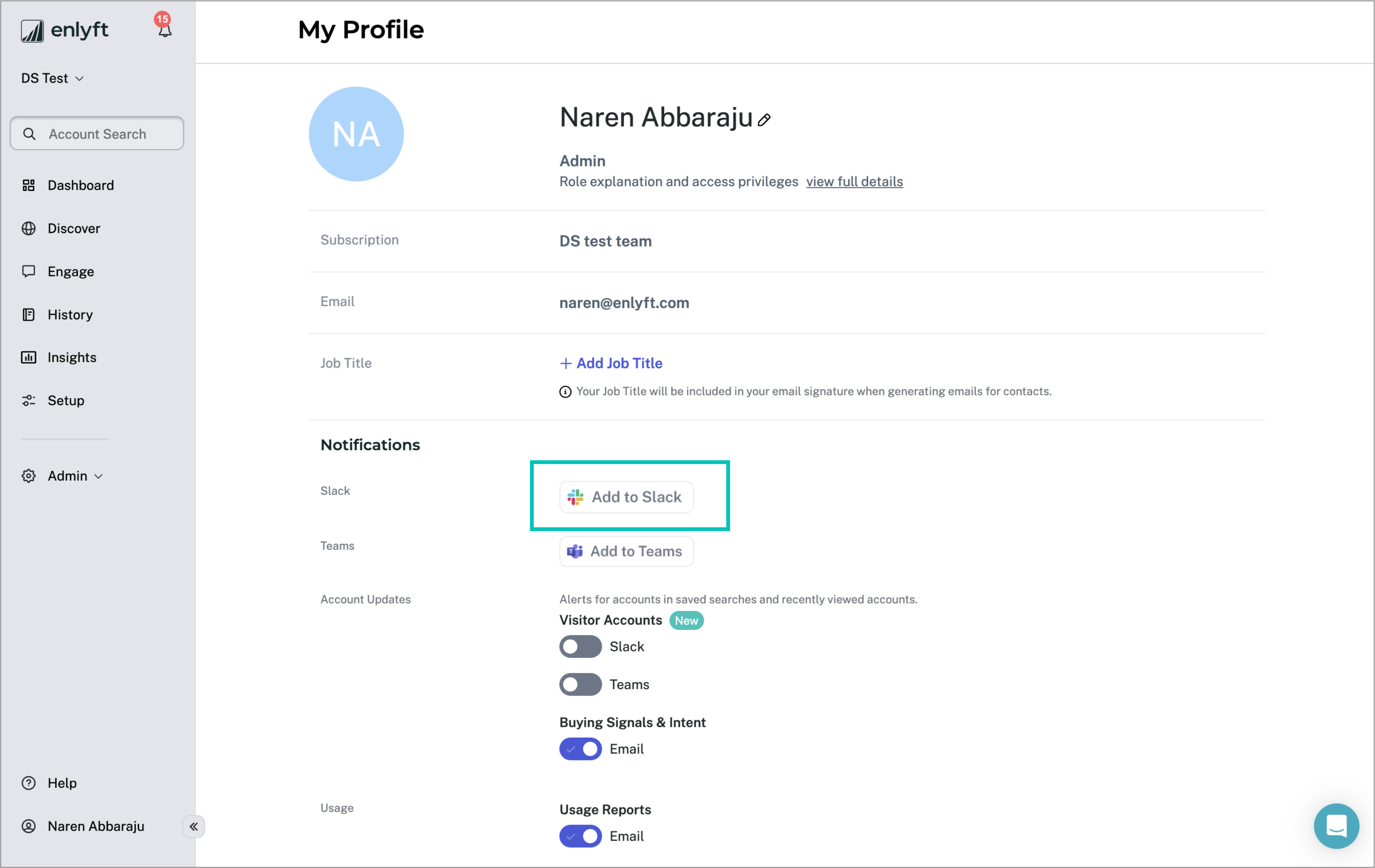
- In the Enlyft app, navigate to My Profile → Notifications section
- Click on “Add to Slack”
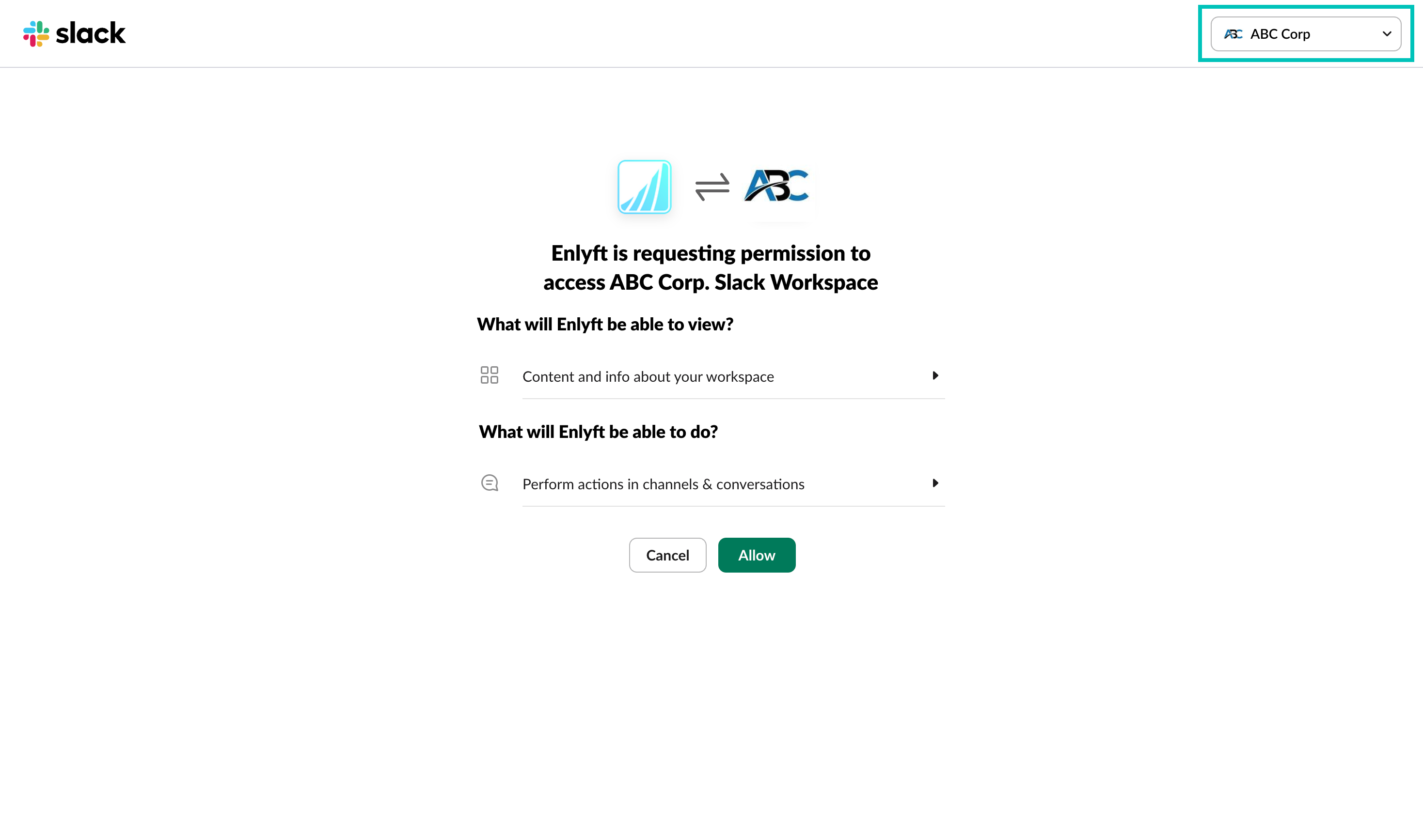
Check if the Workspace is correct and click on Allow.
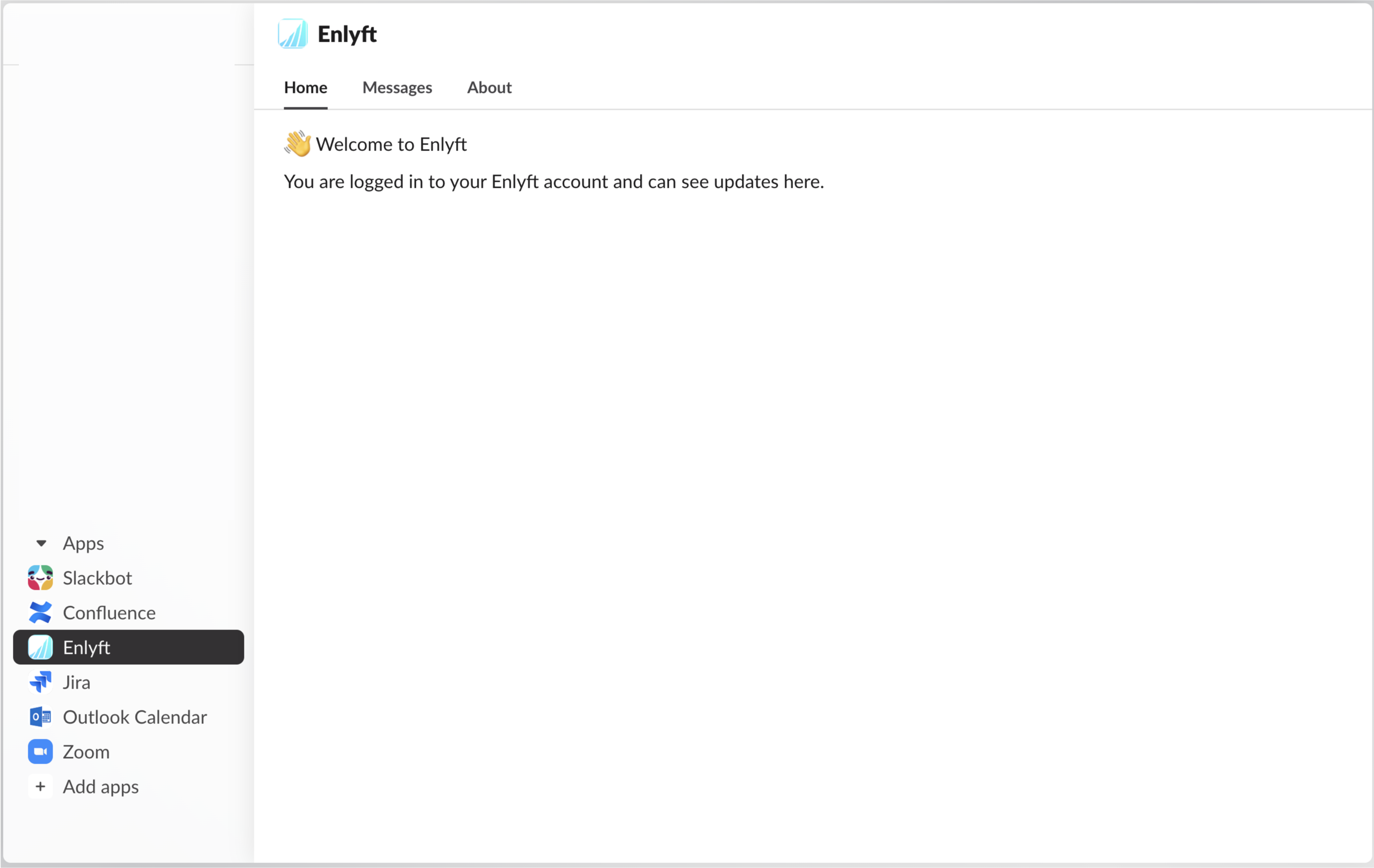
The Enlyft app will be added to your Slack.
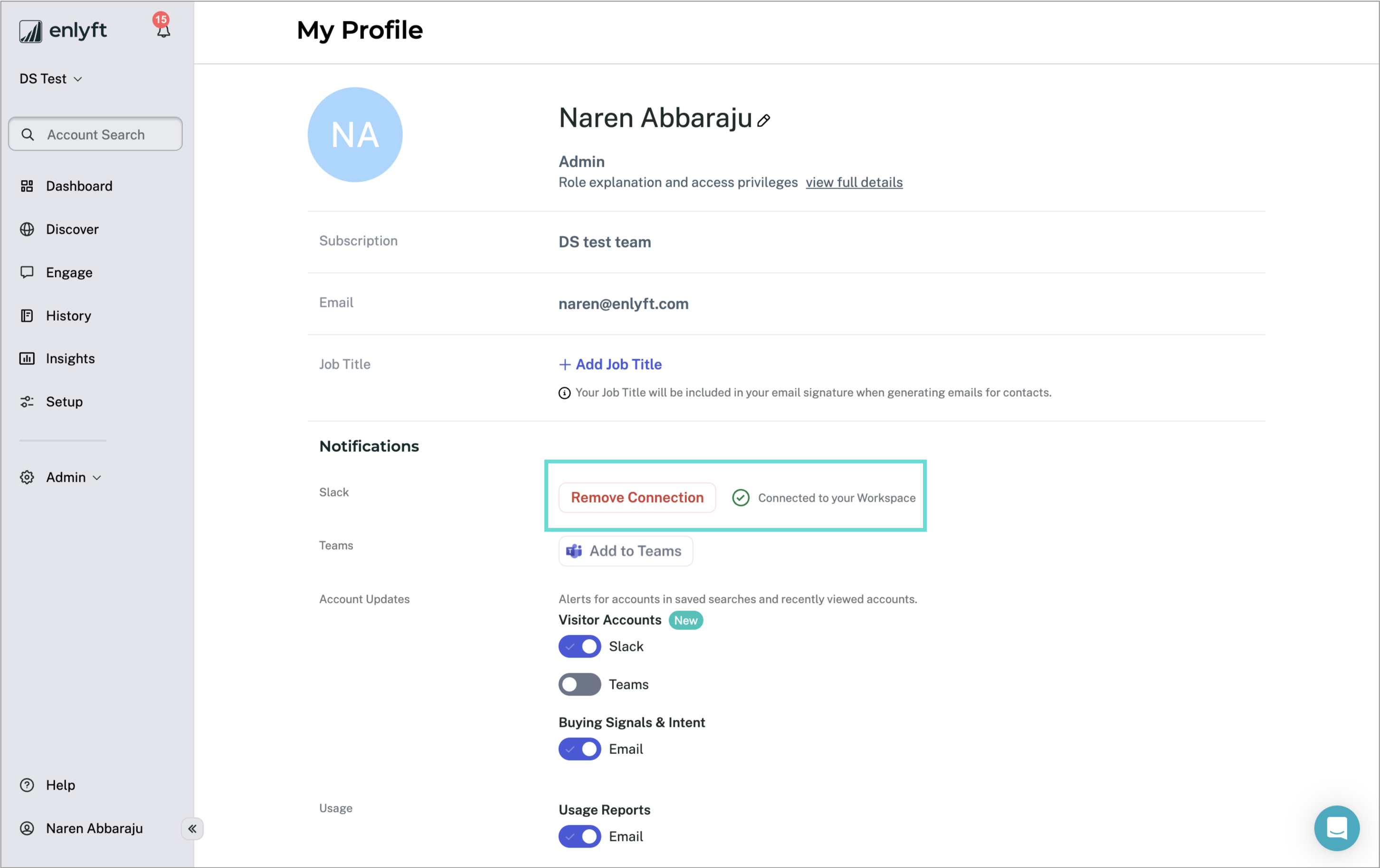
- The status of the connection will be displayed in you profile page in Enlyft.
- Make sure that the “Visitor Accounts” toggle is enabled to receive notifications.
- You can disconnect Slack with Enlyft by clicking on the “Remove Connection” button.
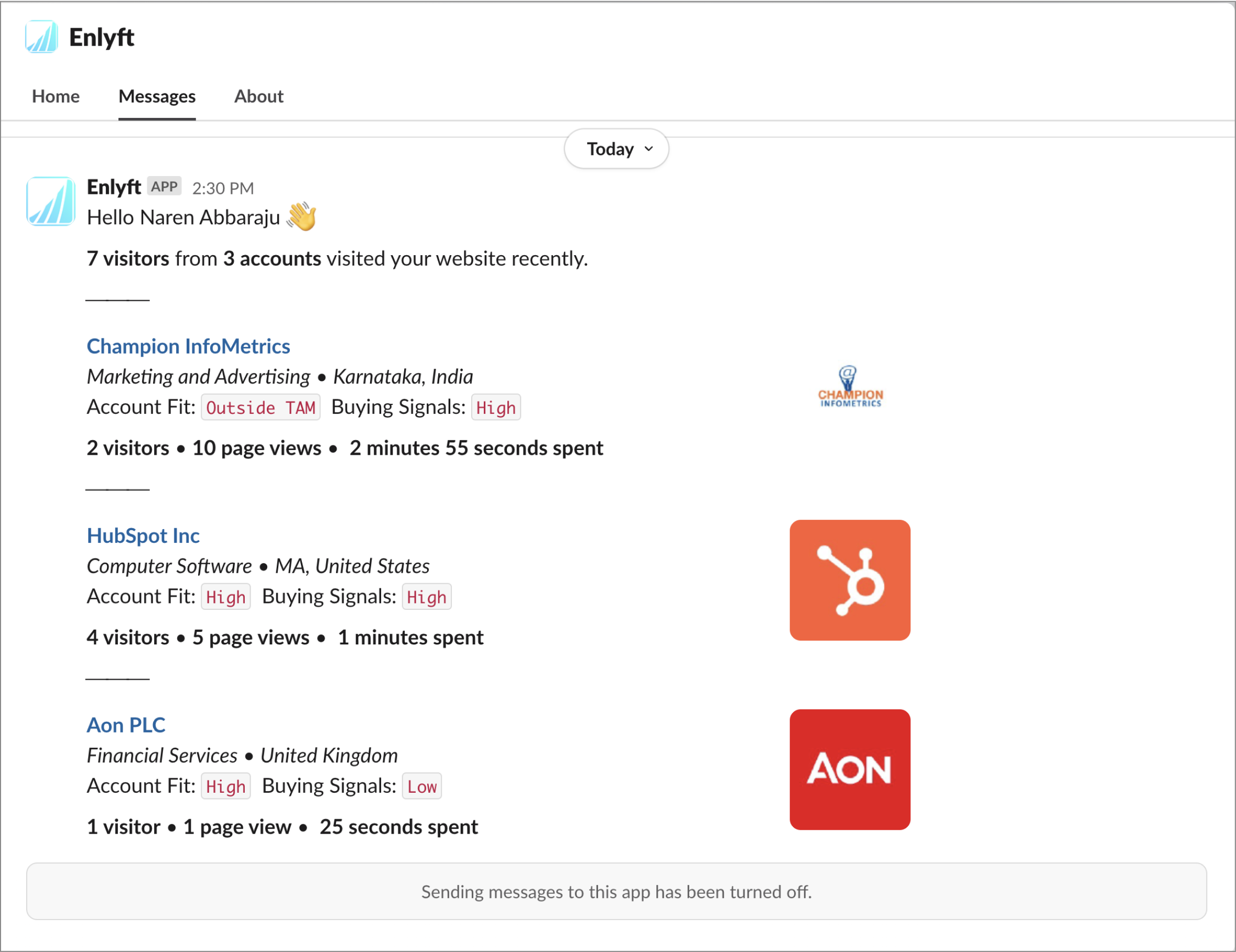
- Once setup is complete, you'll start receiving notifications in Slack.
Note: Currently, notifications are only sent for visitor tracking.