How to Connect?
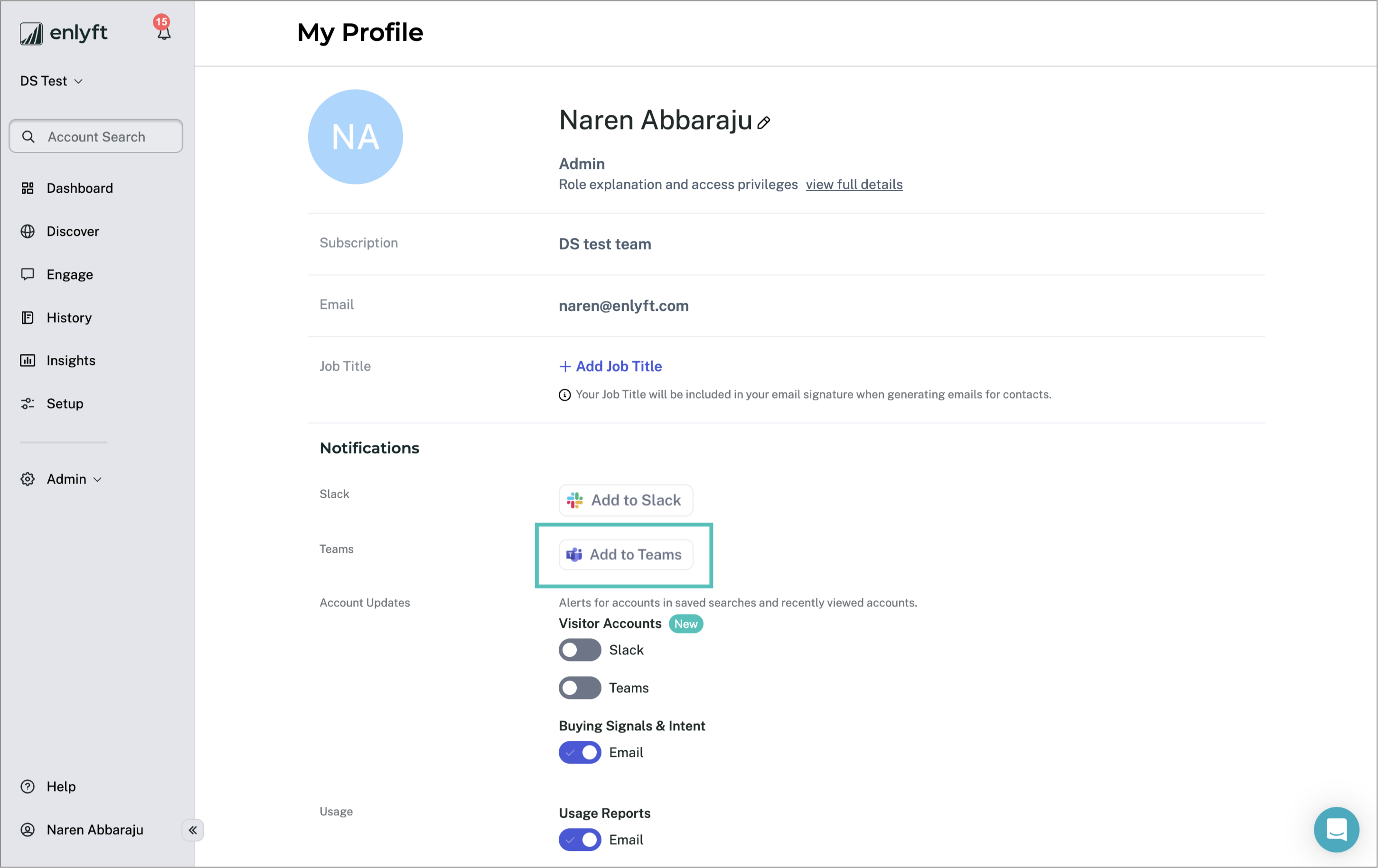
- In the Enlyft app, navigate to My Profile → Notifications section
- Click on “Add to Teams”
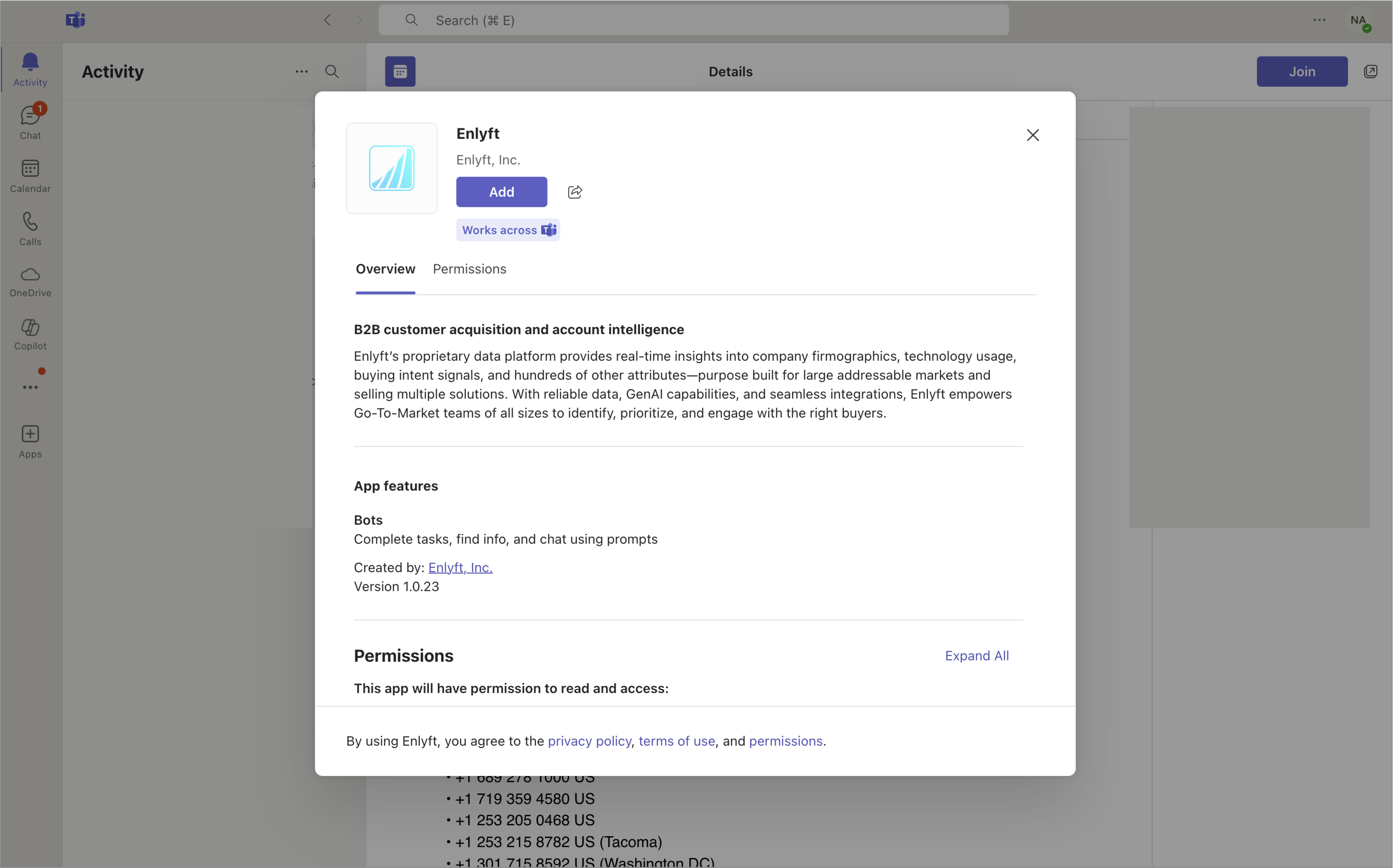
The Enlyft app will open in Teams. Click on “Add”
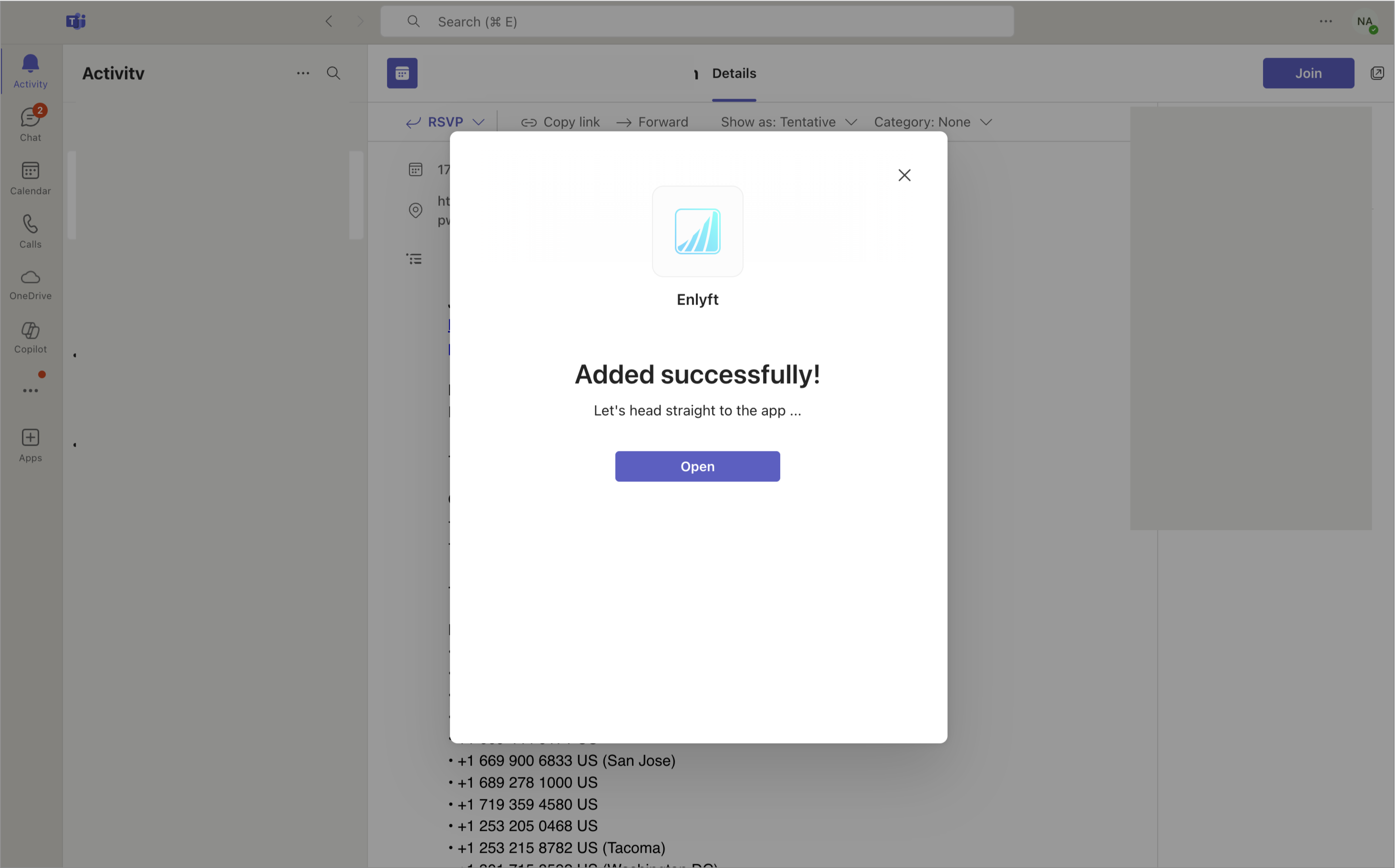
Click on “Open” to go to the chat screen.
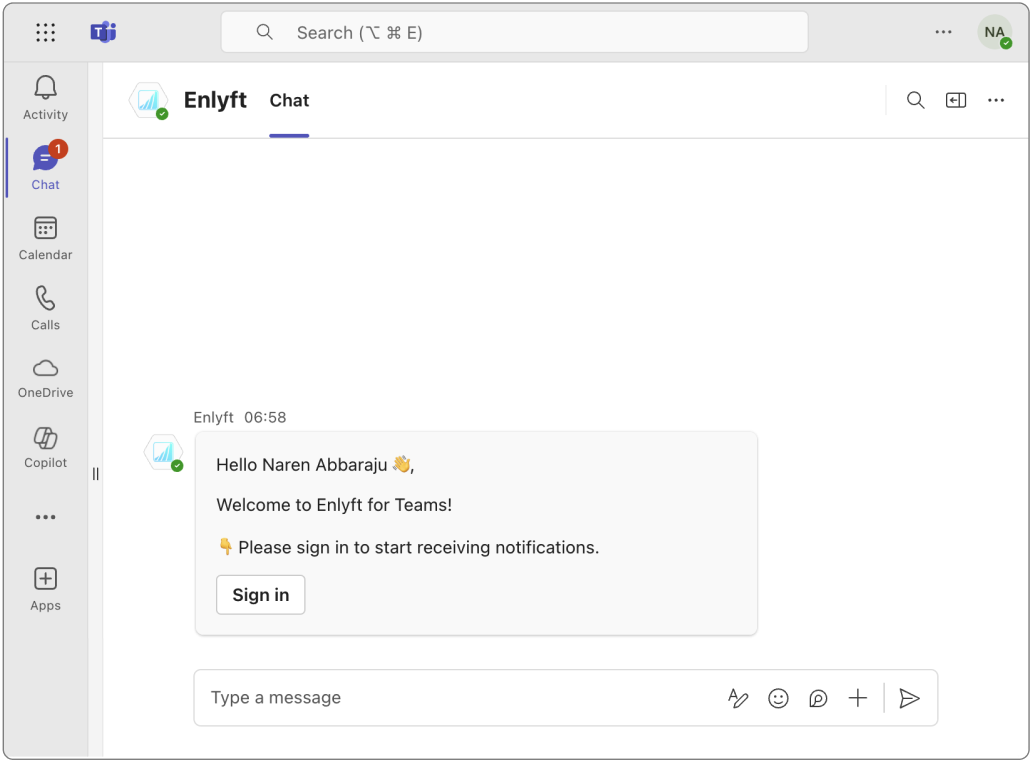
Click on “Sign in”, you will be redirected to Enlyft app.
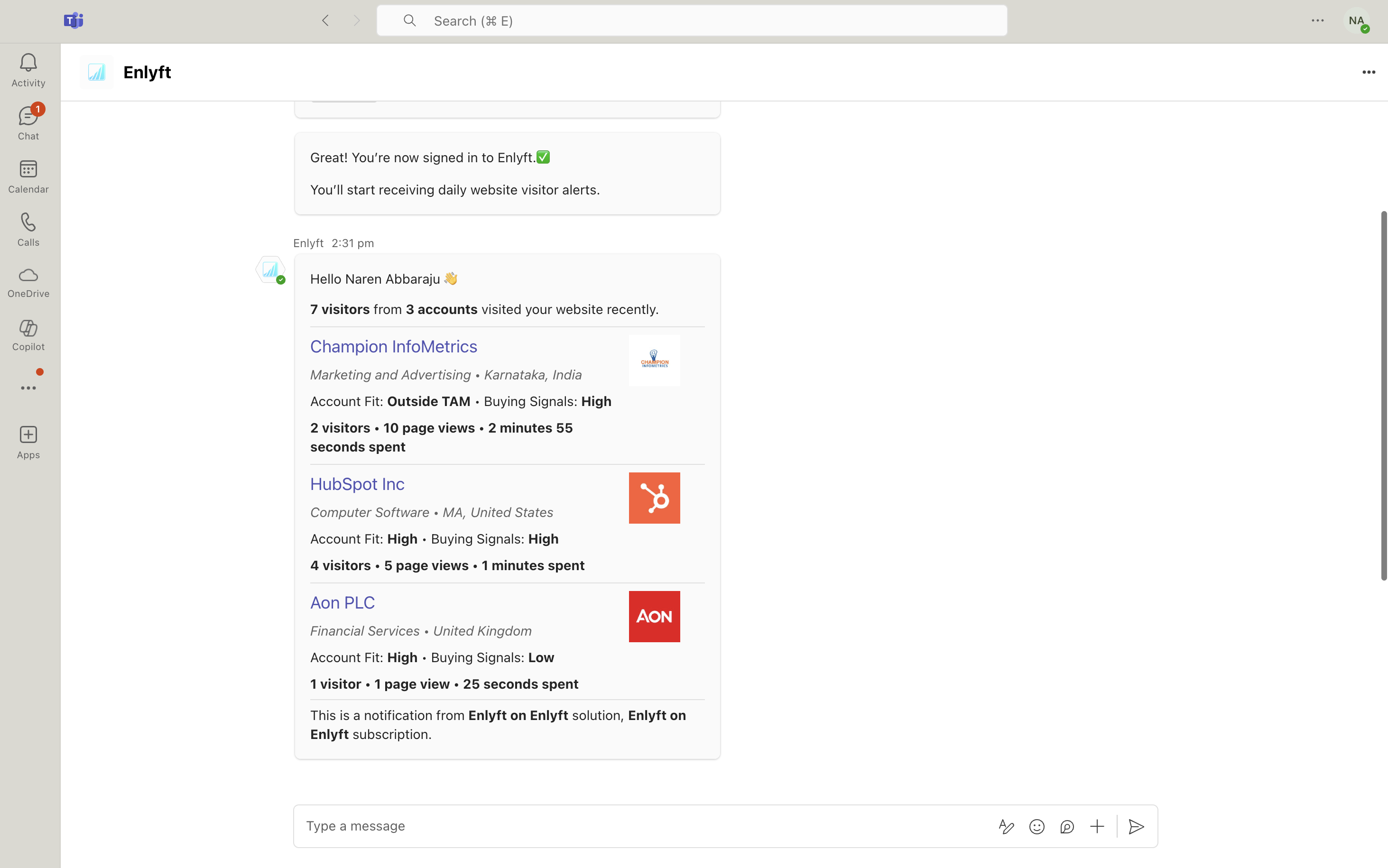
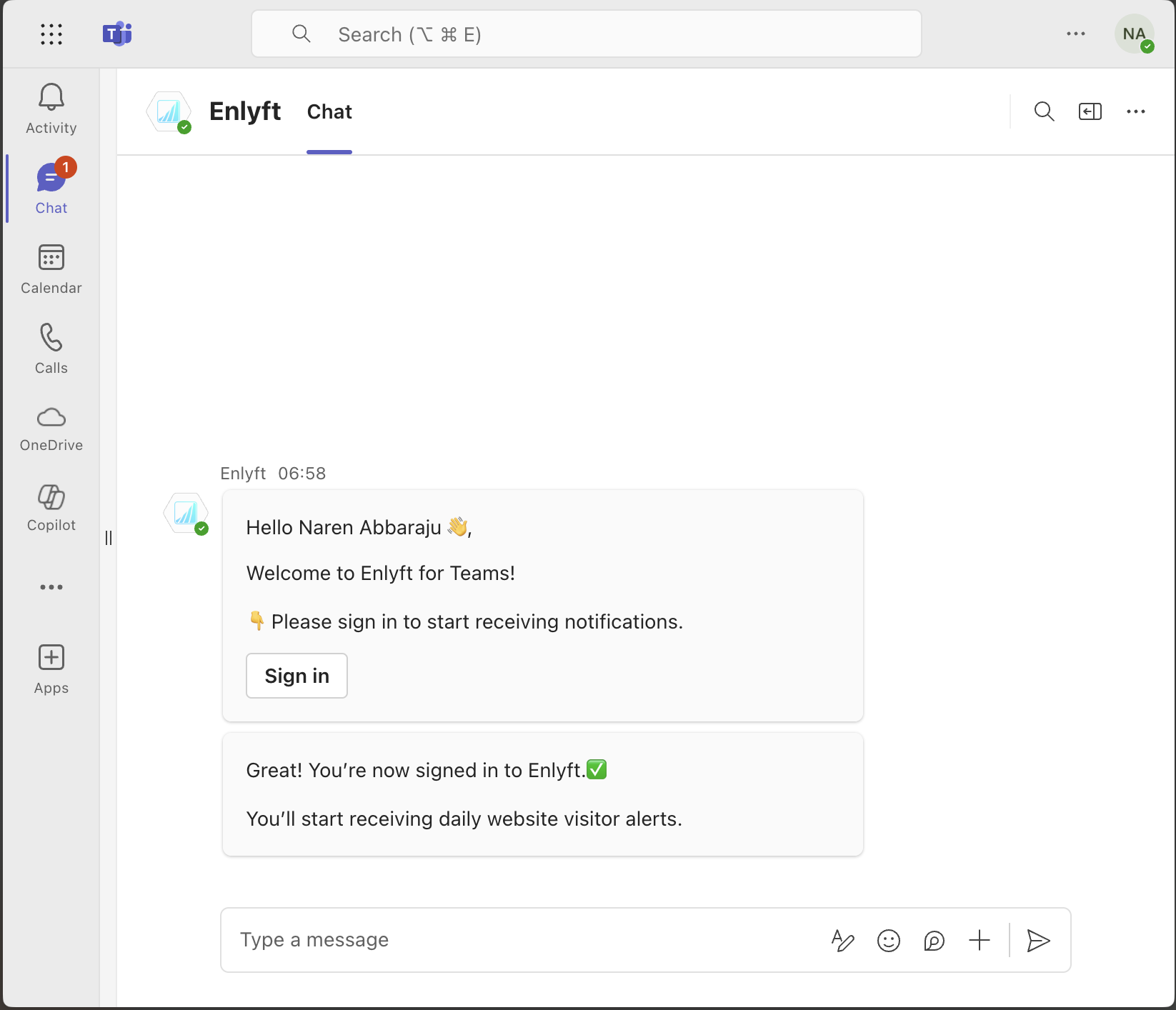
After successful Sign in, you will receive a confirmation message.
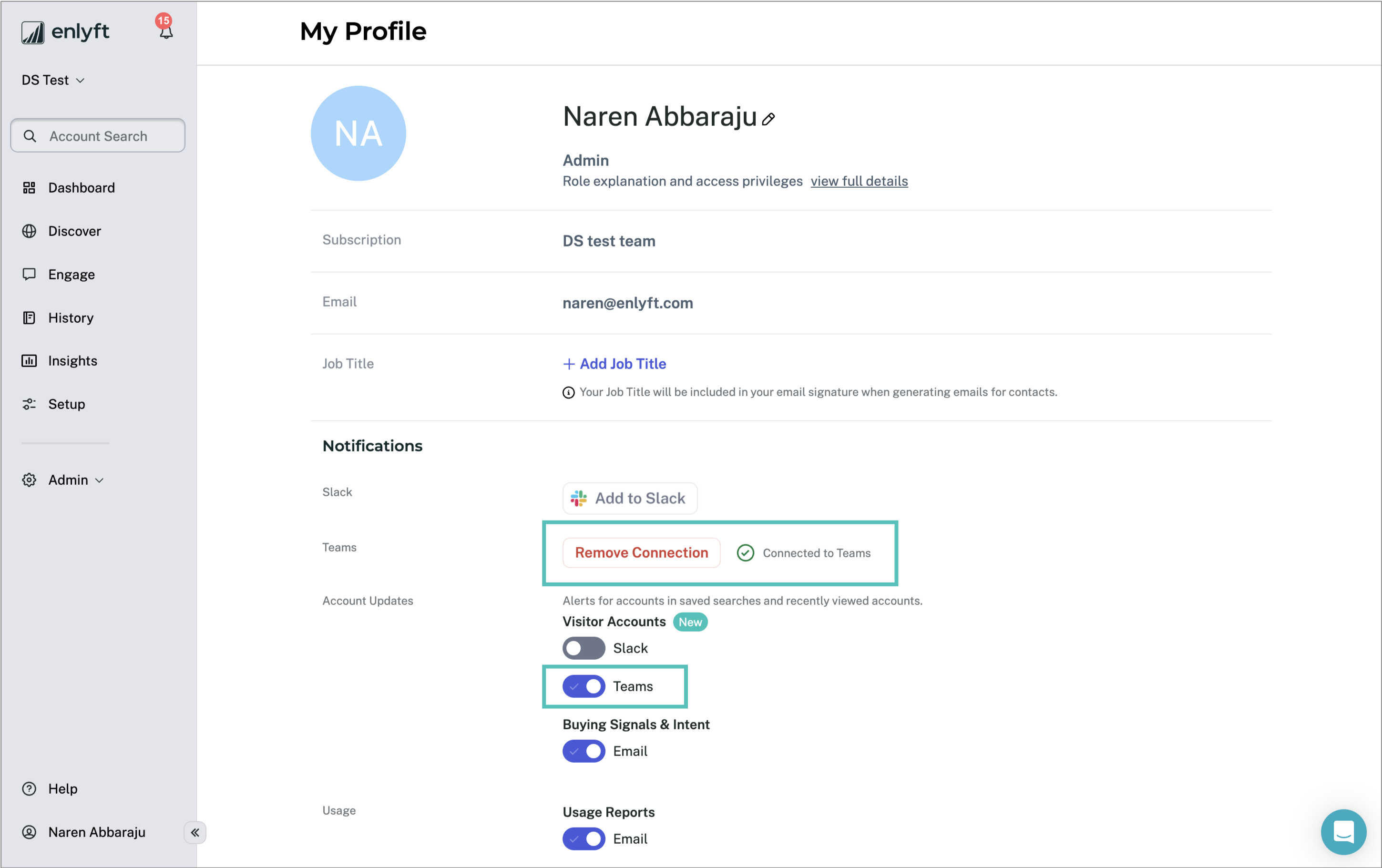
- The status of the connection will be displayed in you profile page in Enlyft.
- Make sure that the “Visitor Accounts” toggle is enabled for Teams to receive notifications.
- You can disconnect Teams with Enlyft by clicking on the “Remove Connection” button.
- Once setup is complete, you'll start receiving notifications in Teams.
Note: Currently, notifications are only sent for visitor tracking.